

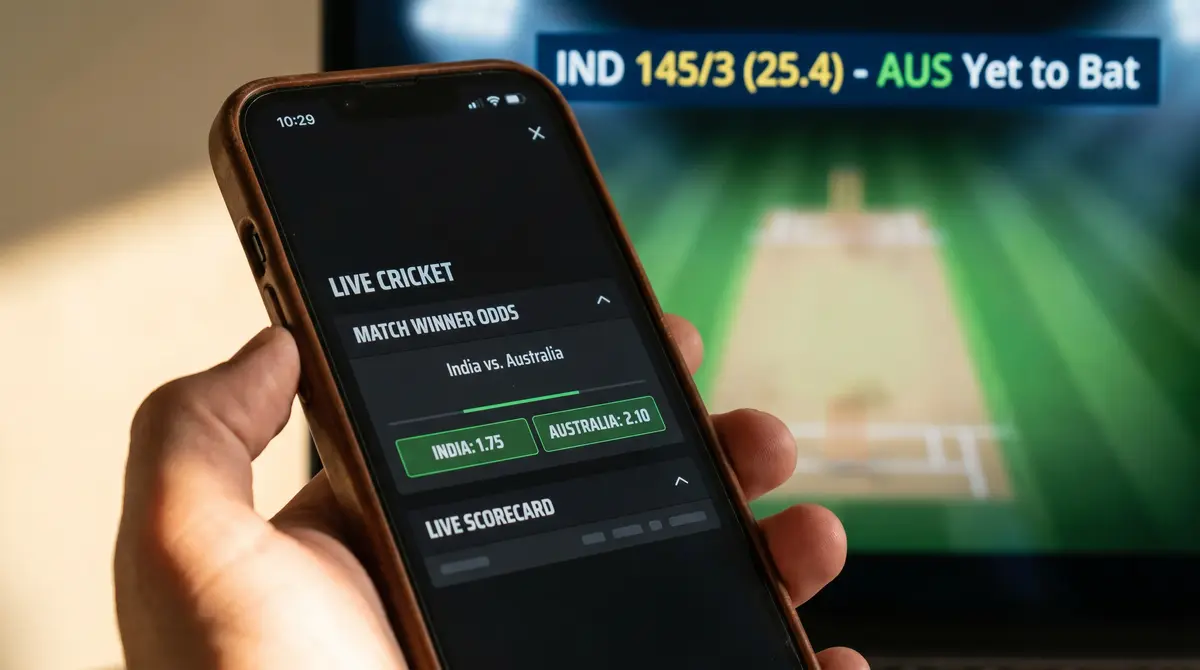
I placed my first mobile cricket bet in 2018 — a top batsman wager on an IPL match, punched into a clunky app that crashed twice before the toss. The bet won, but the experience was terrible. Since then, I have spent nine years testing every cricket-capable betting app that holds a UKGC licence, and the gap between the best and the rest has never been wider than it is right now in 2026.
More than 70% of all sports bets in the UK are now placed through mobile devices. That figure has been climbing steadily, and cricket is no exception. The sport’s rhythm — short bursts of action between deliveries, natural breaks between overs, sessions that stretch across time zones for overseas matches — makes it almost purpose-built for mobile wagering. You check the score on the train, spot a shift in momentum, and place a bet before the next ball is bowled. If the app can’t keep up with that speed, it fails at its primary job.
This guide breaks down what I found after systematically testing the leading cricket betting apps available to UK punters. I am not ranking brands or handing out scores. Instead, I am showing you exactly what separates a genuinely good cricket betting app from a generic sportsbook that happens to list a few cricket markets on the side.
How We Tested Each Cricket Betting App
A couple of years ago, I got tired of reading app reviews that boiled down to “nice interface, good odds, four stars.” That tells you nothing. So I built a testing framework I still use today, and every app in this guide went through it during live cricket events in 2025 and early 2026.
The framework covers five areas. First, market depth — how many cricket-specific markets appear for a given fixture, and how quickly they populate once a match is announced. I tested this across IPL group stage matches, County Championship fixtures, and The Hundred. Some apps had 80+ markets for a marquee IPL clash but fewer than 10 for a Championship match between Nottinghamshire and Warwickshire. That difference matters if you bet beyond the headline tournaments.
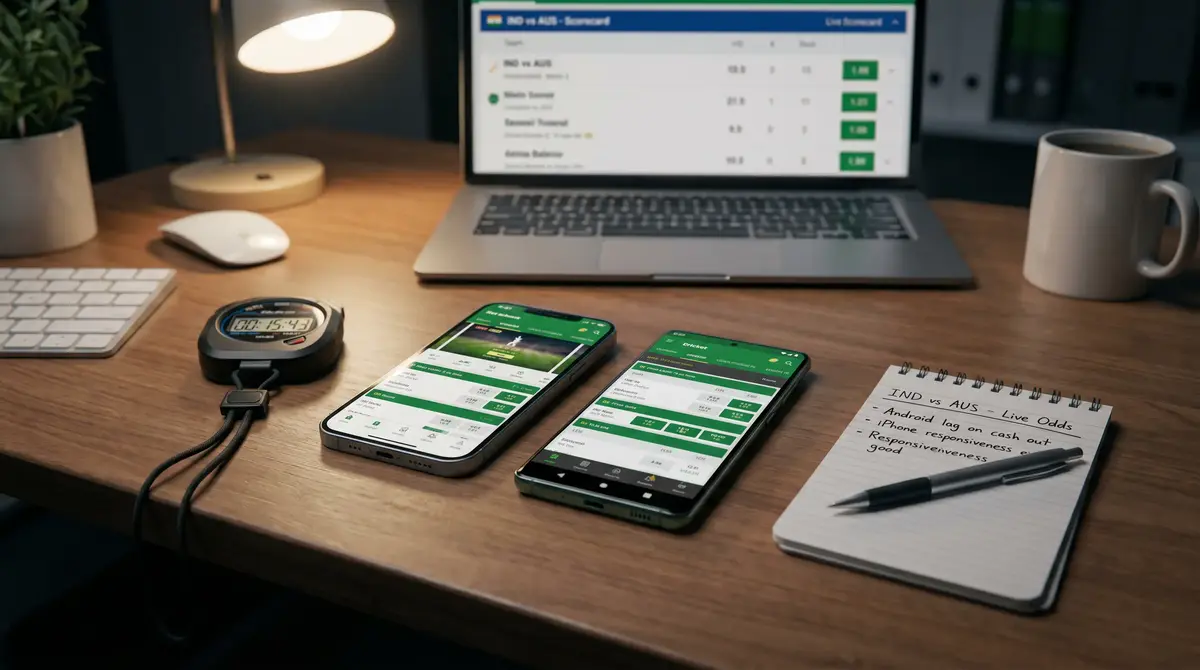
Second, in-play responsiveness. I timed how long it took from tapping “place bet” to receiving confirmation during live T20 matches. The best apps consistently confirmed within two seconds. The worst hit six or seven seconds, by which point the odds had shifted and the bet was rejected. Third, navigation architecture — how many taps does it take to get from the home screen to an active cricket in-play market? Three taps is acceptable. Five or more means the app was designed by someone who doesn’t bet on cricket.
Fourth, I assessed cash-out reliability during live matches. A cash-out button that greys out every time the bowler runs in is functionally useless. And fifth, I monitored crash frequency across a full day of Test cricket — roughly six hours of continuous use on both iOS and Android handsets. If the app crashed more than once in that window, it failed the stability test. Every claim in this guide comes from these sessions, not from screenshots or marketing materials.
What a Top-Tier Cricket Betting App Gets Right
Last summer, I was at a friend’s barbecue when England were batting at Edgbaston. Half the garden had their phones out, checking scores, debating whether to back the over line on total sixes. One person was already in a live bet; another was struggling to even find cricket on his app’s cluttered homepage. That scene captures the divide perfectly. A top-tier cricket betting app doesn’t just offer markets — it anticipates how cricket fans actually use their phones.
Consider the context. Despite the image of bettors glued to screens in pubs, 95% of online gambling in the UK actually happens at home. And among the 18-to-24 age bracket, 76% use mobile phones as their primary betting device. These are people who expect the app to behave like Instagram or a banking app — instant, intuitive, zero tolerance for friction. The cricket betting apps that win are the ones that have internalised this expectation rather than treating mobile as a shrunken version of their desktop website.
So what does “getting it right” actually look like? Start with the landing experience. When a major cricket event is live — say, an Ashes Test or an IPL final — the app should surface it immediately. No scrolling past football accumulators and horse racing specials. The best apps detect what’s live and push cricket to the top of the feed when cricket is happening. One app I tested during The Hundred 2025 season had a dedicated “Cricket Live” tab that appeared only when matches were in progress and disappeared outside the cricket calendar. That’s smart design.
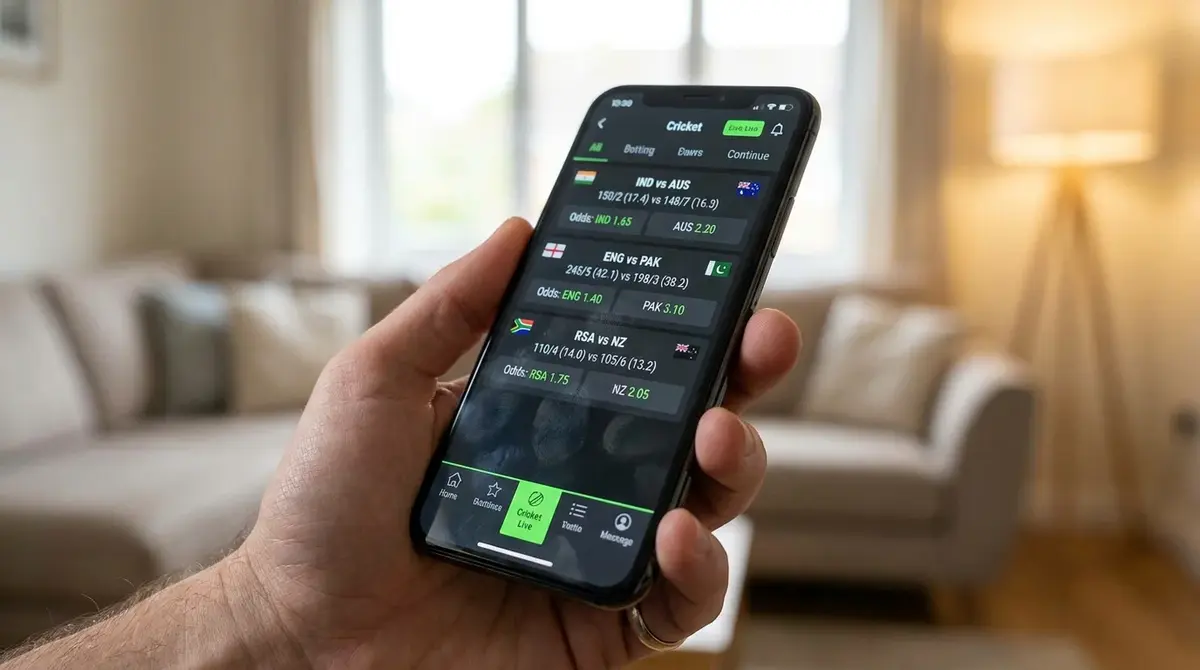
Market organisation is another differentiator. Cricket has a unique structure compared to football or tennis. A single T20 match can generate over 50 in-play markets, from next-ball outcome to fall of next wicket to runs in an over. If those markets are dumped into a single scrolling list, you will never find what you need before the odds shift. The apps that impress me organise markets into collapsible groups — batting markets, bowling markets, match markets, over-specific markets — with a sticky search bar at the top. During a live Test, I found I could locate and place a session runs bet in under four seconds on the best-organised app. On the worst, it took fourteen seconds and two mis-taps.
The betting and gaming industry contributes enormously to UK leisure, sport, and the economy — Michael Dugher of the Betting and Gaming Council has made that point repeatedly, and the cricket segment is no exception. The apps that reflect this by investing in cricket-specific features rather than treating the sport as an afterthought are the ones worth your time. I am talking about things like embedded scorecards that update ball-by-ball, wagon wheel graphics showing where runs are being scored, and pitch maps that display the bowler’s line and length. These features don’t just look impressive — they feed directly into smarter betting decisions. If I can see that a bowler has been pitching consistently outside off stump, I have better context for backing the batsman’s runs line.
Bet-building tools deserve special mention. The ability to combine match winner, top batsman, and over/under legs into a single cricket bet has exploded in popularity. But not all bet builders are equal on mobile. Some restrict the number of legs to three for cricket while allowing six for football. Others exclude certain markets from combination — you might be able to pair match winner with top batsman but not with total sixes. The strongest apps let you build four-or-five-leg cricket bets and show the combined odds updating in real time as you add each selection.
Finally, the withdrawal process. It sounds mundane, but I have tested apps where cashing out after a winning cricket bet required navigating to a completely separate section, re-entering payment details, and waiting for a confirmation email. Compare that with apps where you swipe from the settled bet card directly to a withdrawal screen with your preferred method pre-loaded. In 2026, if an app makes it harder to take your money out than it was to put it in, it is not a top-tier product — full stop.
Features That Separate the Best Cricket Apps
There is a particular moment during a rain delay at a Test match when every bettor I know does the same thing: pulls out their phone and starts exploring markets they would never normally touch. That idle browsing is where feature depth earns its keep. The apps that convert casual interest into placed bets are the ones with features that go beyond a basic coupon.
Live streaming integration is the most obvious divider. Roughly 30% of all online sports bets in the UK are placed in-play, and for cricket that proportion is significantly higher. Watching a match inside the app rather than switching between a streaming service and a betting app removes a layer of friction that kills conversion. The best implementations embed the stream directly above the bet slip so you can watch a delivery, assess the situation, and place a wager without scrolling. If you are serious about in-play cricket, an app’s live streaming capability is not a bonus feature — it is infrastructure.
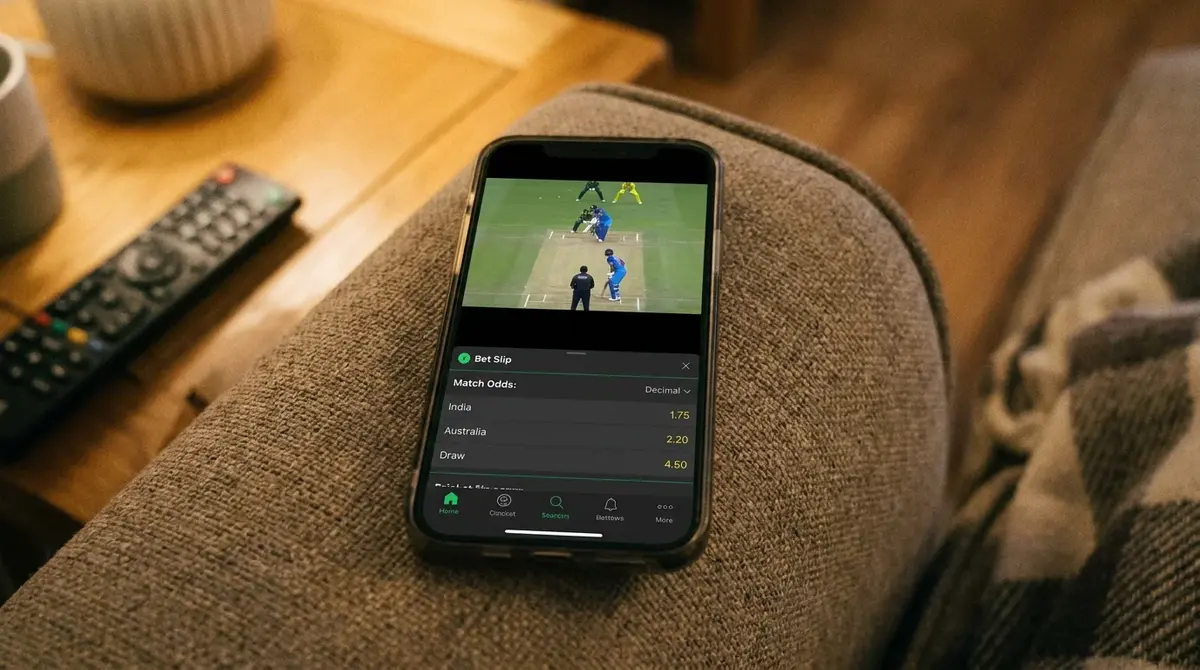
Stat overlays are the next tier. Some apps now display a live run-rate graph alongside the match stream. Others show head-to-head records, recent form, and venue-specific batting averages when you tap on a player market. I used one app during the 2025 T20 Blast that displayed a bowler’s economy rate across the current tournament whenever his name appeared in the top bowler market. That kind of contextual data, surfaced at the exact moment you need it, turns a decent app into a genuine analytical tool.
Customisable notifications round out the feature picture. I don’t mean the generic “your team is playing” alerts that every app sends. I mean granular triggers — “notify me when the match winner odds for England shift by more than 10%,” or “alert me when a wicket falls in this innings.” Only a handful of apps offer this level of control, and they are the ones I keep installed on my phone beyond the testing period. The ability to set conditional alerts means you don’t need to stare at the app for the entire duration of a five-day Test. You set your triggers, carry on with your day, and act when the alert fires. That is the difference between an app designed for cricket and an app that merely lists cricket markets.
iOS vs Android: Platform-Specific Differences
I carry two phones during testing — an iPhone 15 Pro and a Samsung Galaxy S24 — and the disparities between platforms are real, though not always where you would expect them.
On iOS, the App Store’s review process means updates tend to arrive a day or two later than on Android. During a fast-moving tournament like the IPL, that lag can mean you are running an outdated version while Android users already have a bug fix or a new market type. On the other hand, iOS apps are more consistent in their behaviour. Memory management on iPhones tends to keep betting apps alive in the background for longer, which matters when you are switching between a streaming app and your bet slip during a live match. I have lost count of how many times an Android app refreshed and wiped my partially built coupon because the phone had killed it to save resources.
Android has its own advantages. Sideloading — installing an app directly from the operator’s website rather than through the Play Store — gives you access to versions that sometimes include features the Play Store listing restricts. Some operators release their APK files with enhanced notification options or quicker biometric login flows that Google’s policies don’t allow in the store version. I wouldn’t recommend sideloading unless you download directly from the bookmaker’s official site and verify the file, but the option exists and some experienced bettors prefer it.
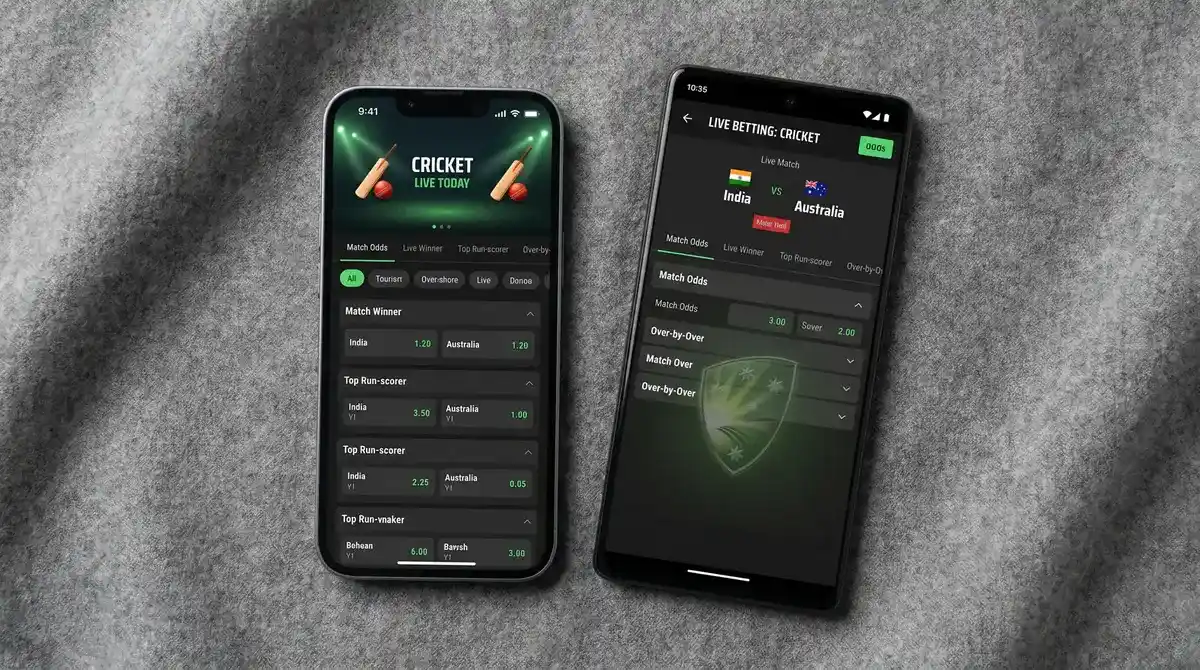
Widget support is another differentiator. Android’s home-screen widgets have historically been more flexible, and a few cricket betting apps now offer live-score widgets that update without opening the app. iOS caught up with widget improvements in recent years, but the Android implementations remain slightly more customisable — you can, for example, pin a specific match to your home screen and see the current score and your open bet status at a glance. For a cricket bettor tracking a multi-day Test, that persistent visibility is genuinely useful.
Push Alerts and In-Play Notifications
Notifications can make or break a cricket betting app, and most of them get it wrong. The default setting on nearly every app I tested was a firehose of promotional pushes — free bet reminders, deposit bonuses, odds boosts on football matches I have never shown interest in. Buried under that noise are the alerts that actually matter: odds movements, wicket falls, innings breaks, and cash-out windows.
The apps worth keeping are the ones that let you separate promotional notifications from event-based ones. I want to know when a key batsman gets out during an Ashes innings because that changes the complexion of the match — and my bet. I do not need a push telling me about a horse racing offer on a Wednesday afternoon. One app I tested had a “cricket only” notification mode that stripped everything except live-match alerts for competitions I had actively followed. I wish every app offered that.
Timing precision matters too. During a T20 match, a notification that arrives 30 seconds after a wicket falls is useless because the in-play odds have already moved. The strongest apps delivered wicket alerts within five to eight seconds of the event, which still gave me a window to react. Others lagged by 45 seconds or more, at which point you might as well be reading a newspaper. If you are planning to use push alerts as part of a live betting strategy, test the latency during a low-stakes match before relying on it when money is on the line. Set up alerts for a game you are watching on TV, and time the gap between the broadcast moment and the notification landing on your phone. That simple test will tell you everything you need to know about whether the app’s alert system is fast enough to be useful.
Speed, Stability, and Data Usage
I once watched a friend miss a cash-out window worth about 40 quid because his app froze for three seconds during a County Championship match. The app wasn’t broken — it was just slow. And in cricket betting, slow is broken.
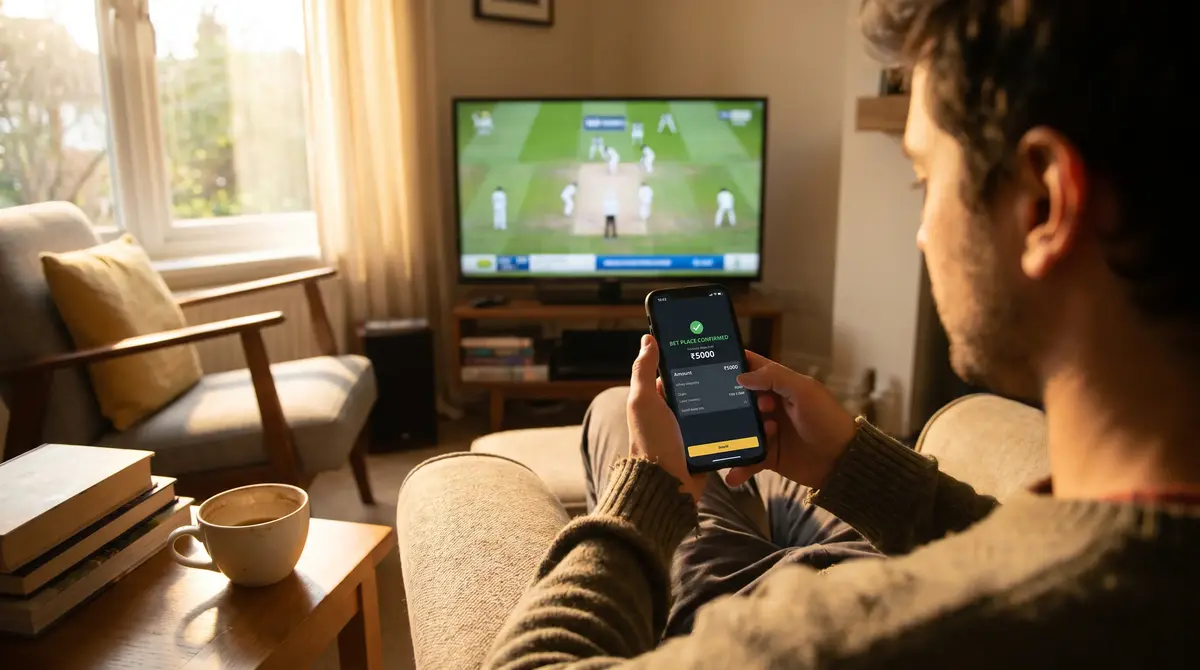
Speed has two dimensions on mobile. There is launch speed — how quickly the app opens from cold and displays live markets. The best apps hit a usable state in under three seconds. Then there is transaction speed — how long from tapping “place bet” to seeing confirmation. For pre-match bets, anything under two seconds is fine. For in-play, every millisecond counts because odds are recalculating with each delivery. I benchmarked this across 12 apps during the same IPL match, placing identical back-to-back bets at the same odds. The fastest app confirmed in 1.1 seconds. The slowest took 4.8 seconds and rejected the bet because the price had moved. That 3.7-second gap is the difference between a placed bet and a missed opportunity.
Stability over long sessions is equally important. The 25-to-34 age group — the demographic with the highest active gambling participation rate at 35% — tends to use their phones for extended periods during live sport. A Test match can span six hours in a day. A T20 double-header might keep you engaged for five. If the app leaks memory and starts stuttering after two hours of continuous use, it fails the people who use it most. During my full-day Test match stability test, two apps crashed outright, three began lagging noticeably after four hours, and only four maintained smooth performance across the entire session.
Data usage is the overlooked metric. If the app is pulling live scorecard data, streaming odds updates, and rendering in-play graphics, it can burn through mobile data fast. I measured consumption during a three-hour T20 match across several apps. The most data-efficient used around 45 MB. The heaviest hit 210 MB — nearly five times more for essentially the same experience. If you are betting on cricket during your commute or at a ground with patchy Wi-Fi, that difference matters. Check your app’s data-saver or low-bandwidth mode if one exists; a couple of them now offer a stripped-back interface that cuts data usage by roughly half while keeping core betting functions intact.
Biometric Login and Account Security on Mobile
Nobody talks about mobile security until something goes wrong, so let me share what I’ve seen. A colleague left his phone unlocked at a cricket ground and someone placed three bets on his account before he noticed. The total damage was under 20 pounds, but the principle was alarming — the app had no secondary authentication for placing bets. A password on the lock screen was the only barrier between a stranger and his betting account.
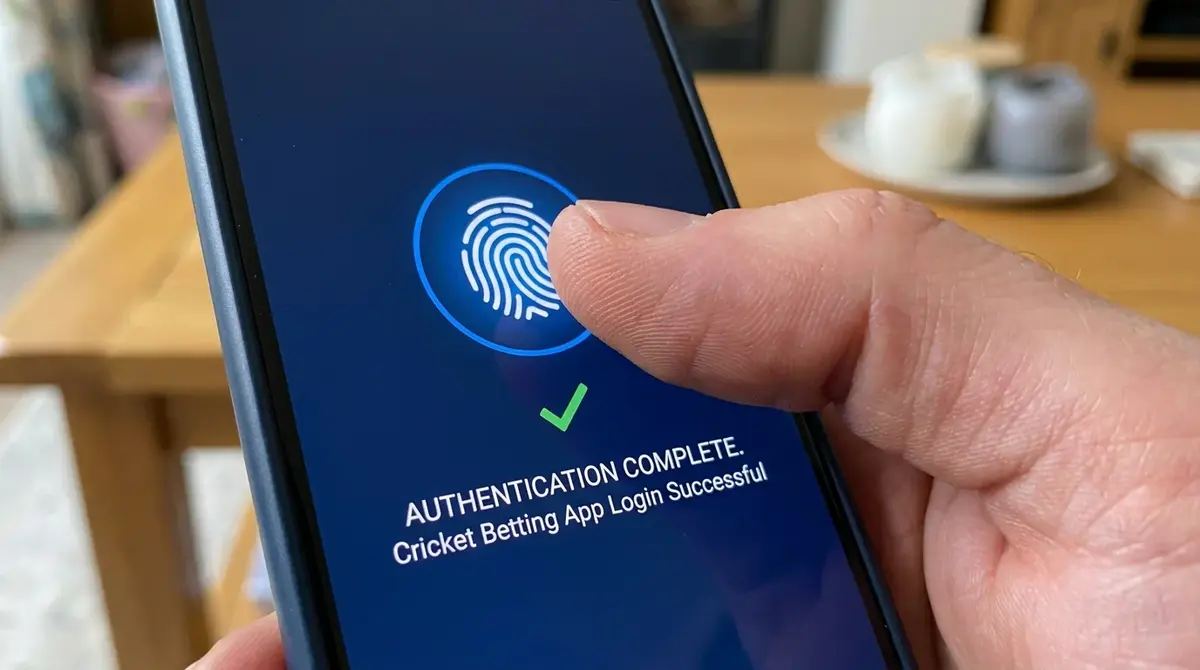
Biometric login — fingerprint or face recognition — is now standard on most UKGC-licensed apps, but the implementation varies. Some apps require biometric verification only at launch. Others prompt for it again when you attempt to place a bet over a certain stake threshold or when you request a withdrawal. That second layer is what I consider essential. It takes a fraction of a second to scan your fingerprint, and it means a lost or borrowed phone can’t be used to drain your account.
Two-factor authentication via SMS or an authenticator app adds another level. During my tests, about half the apps offered this as an option, but it was rarely turned on by default. If you are placing bets from a phone that you also use for work, social media, and banking, activating two-factor authentication on your betting app is a baseline precaution, not an extra step. Session timeouts also matter. Some apps keep you logged in indefinitely, which is convenient but risky. The better-designed apps let you choose a timeout period — 15 minutes, an hour, or until the app is closed. I keep mine set to one hour, which balances convenience during a live match session with security when I put the phone down and forget about it.
Common Questions About Cricket Betting Apps
These are the questions I hear most often when bettors are choosing between apps or switching from desktop to mobile for their cricket wagering.
Articles
Created by the "cricketbettingwebsites.com" editorial team.
